Brand awareness is all about consistency across marketing channels. This is especially true for branding assets that include video and audio cues because these are often repeated while the messages change.
Video graphics
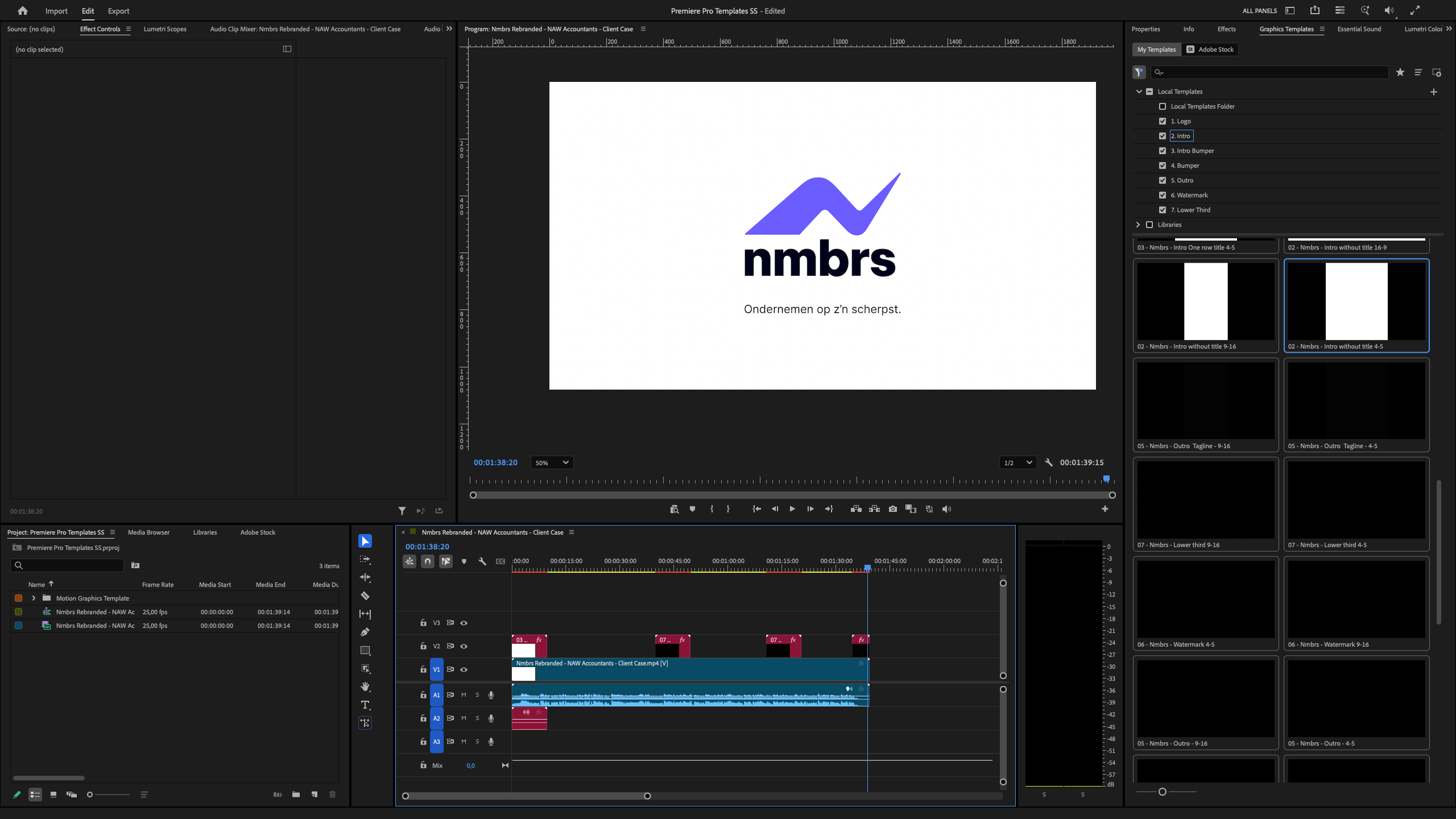
Our video graphics pack consists of a collection of pre-made animations that can be easily adapted within Premiere Pro.
The templates can be downloaded at the bottom of this page.
Aspect ratios
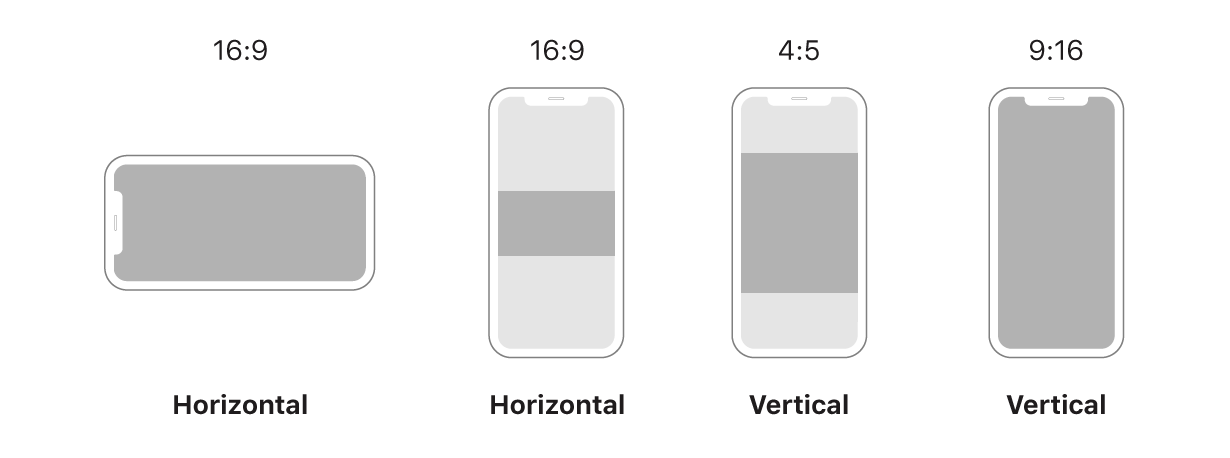
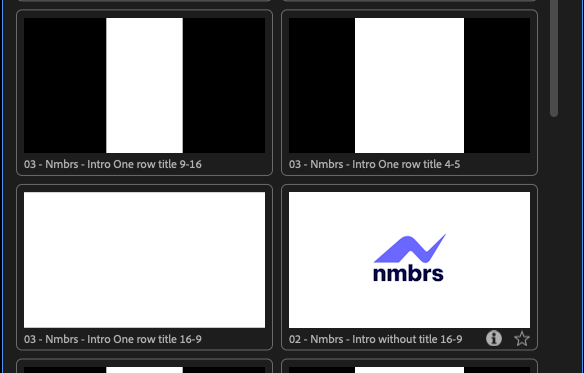
The templates are available in 3 aspect ratios. Depending on the usage, please consider using the right aspect ratio for the video.
When the video will be viewed on social platforms (e.g. Linkedin, Instragram) the default 16:9 aspect will appear really small:
Aspect ratios per use case
Presentations: 16:9 (horizontal)
Nmbrs website: 16:9 (horizontal)
Linkedin Feed: 4:5 (vertical)
Instagram Feed: 4:5 (vertical)
Instagram Stories: 9:16 (vertical)
Narrowcasting at AMS office entrance: 9:16 (vertical)
Premiere Pro Templates
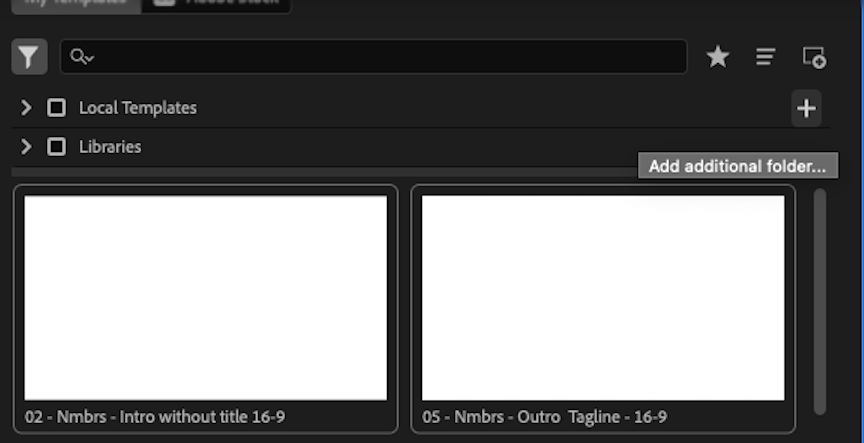
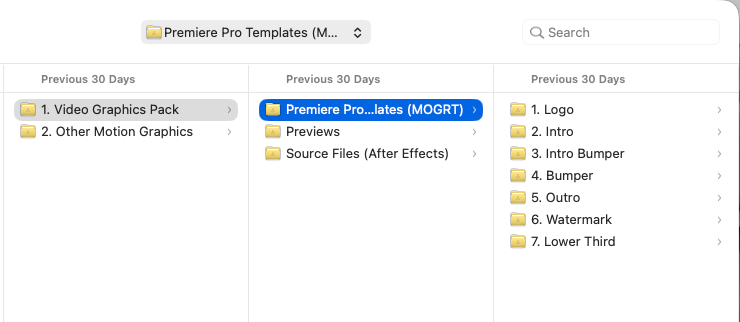
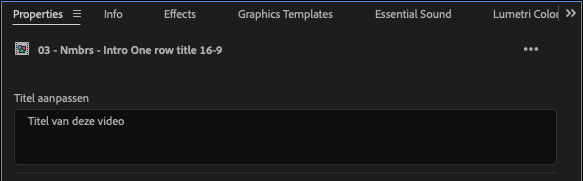
The Nmbrs video graphics are supplied as MOGRT files. These are ready-made graphics with animation for Adobe Premiere Pro. Contact us if you're using other software.

.png?width=98&name=Logo%20(temporarily).png)